Due dates & times
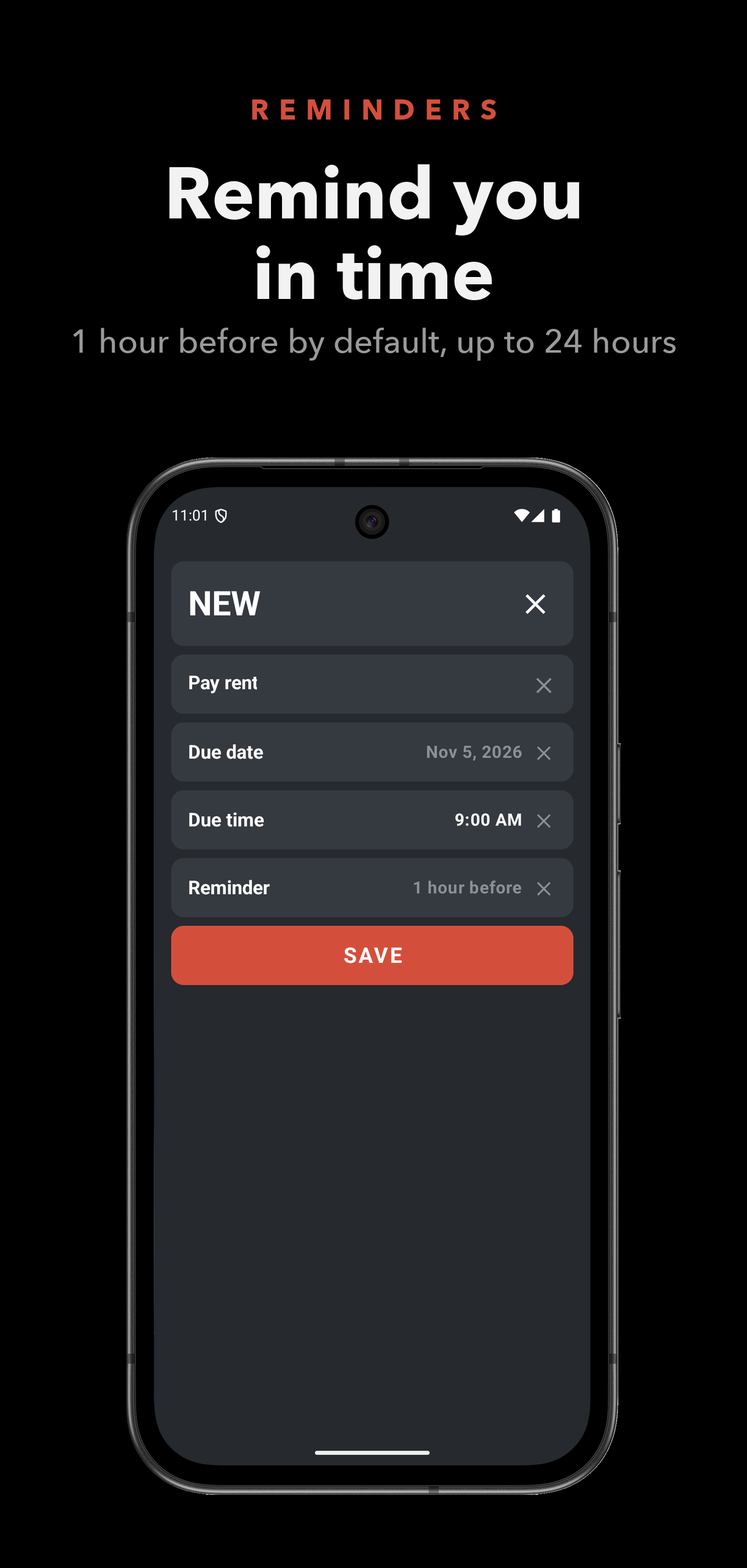
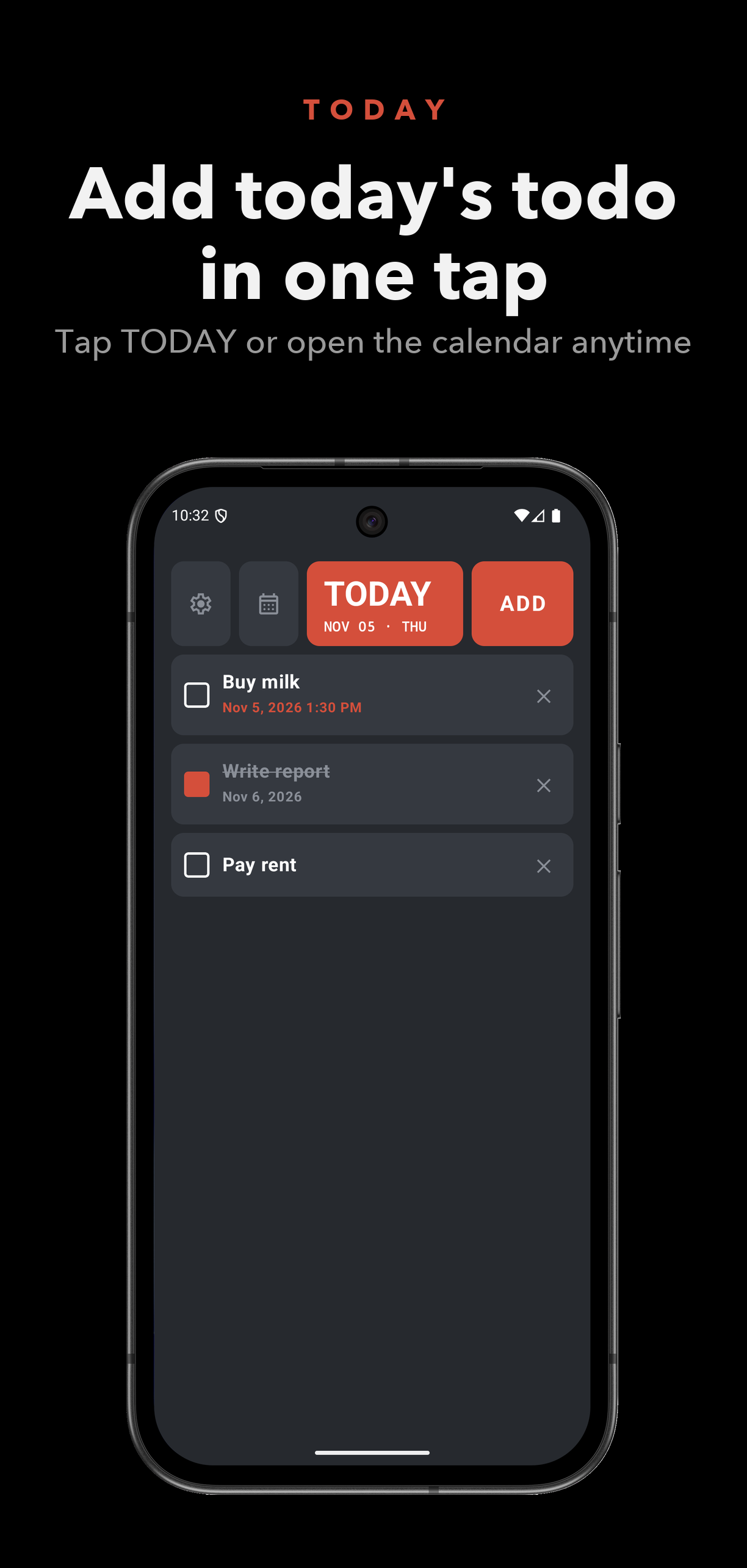
Give each task a due date, and a time if you need one. Clear either one with a tap.
Date · Time · 12h / 24h
APP · ANDROID · TASKS
A simple to-do list with due dates, reminders before each deadline, and a month calendar. Free to use, with an optional one-time purchase for voice input.
01 — Features
Give each task a due date, and a time if you need one. Clear either one with a tap.
Date · Time · 12h / 24h
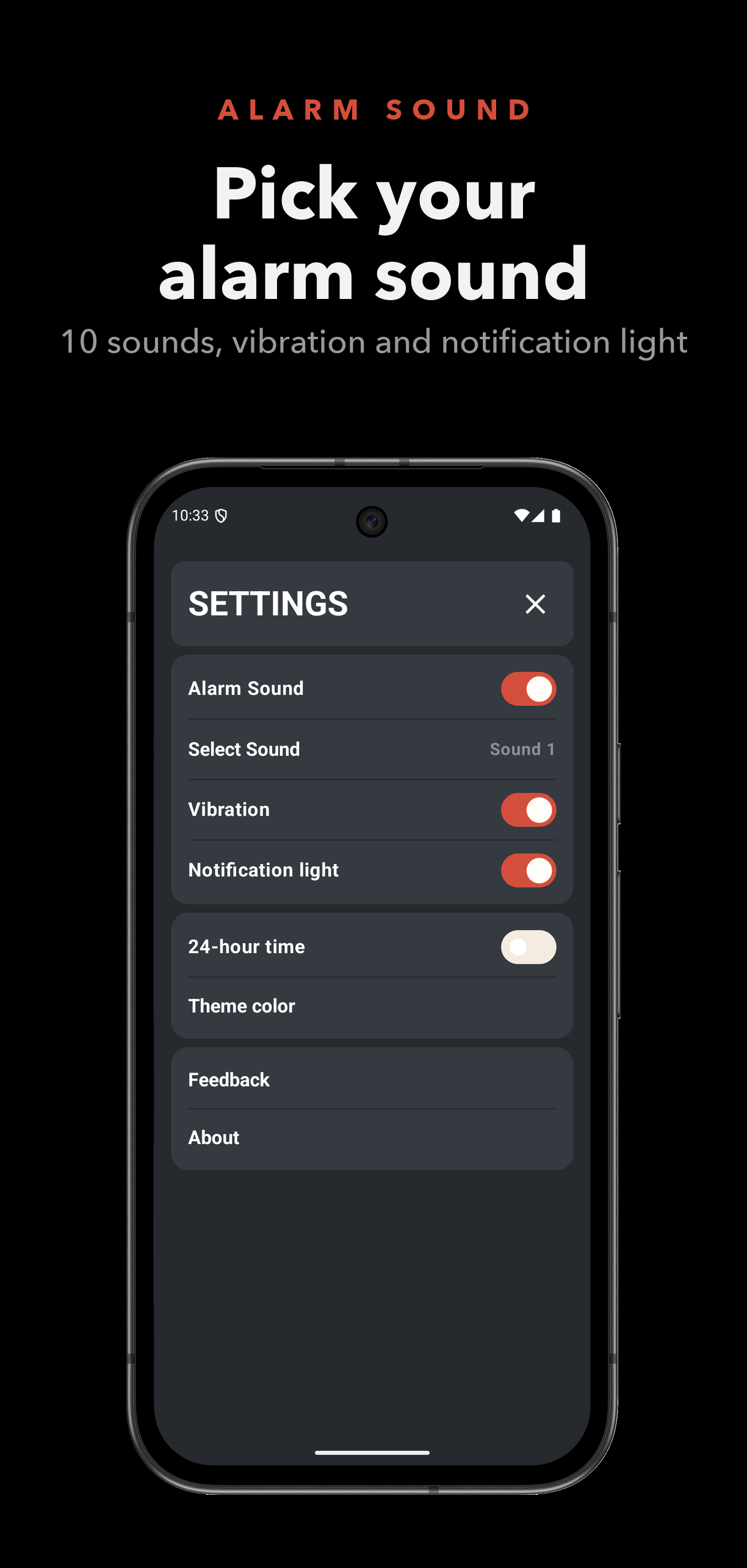
Choose one or more alerts before a deadline, from 1 hour to 24 hours ahead. Set the sound, vibration, and notification light for each alert.
Multiple · Sound · Vibration · Light
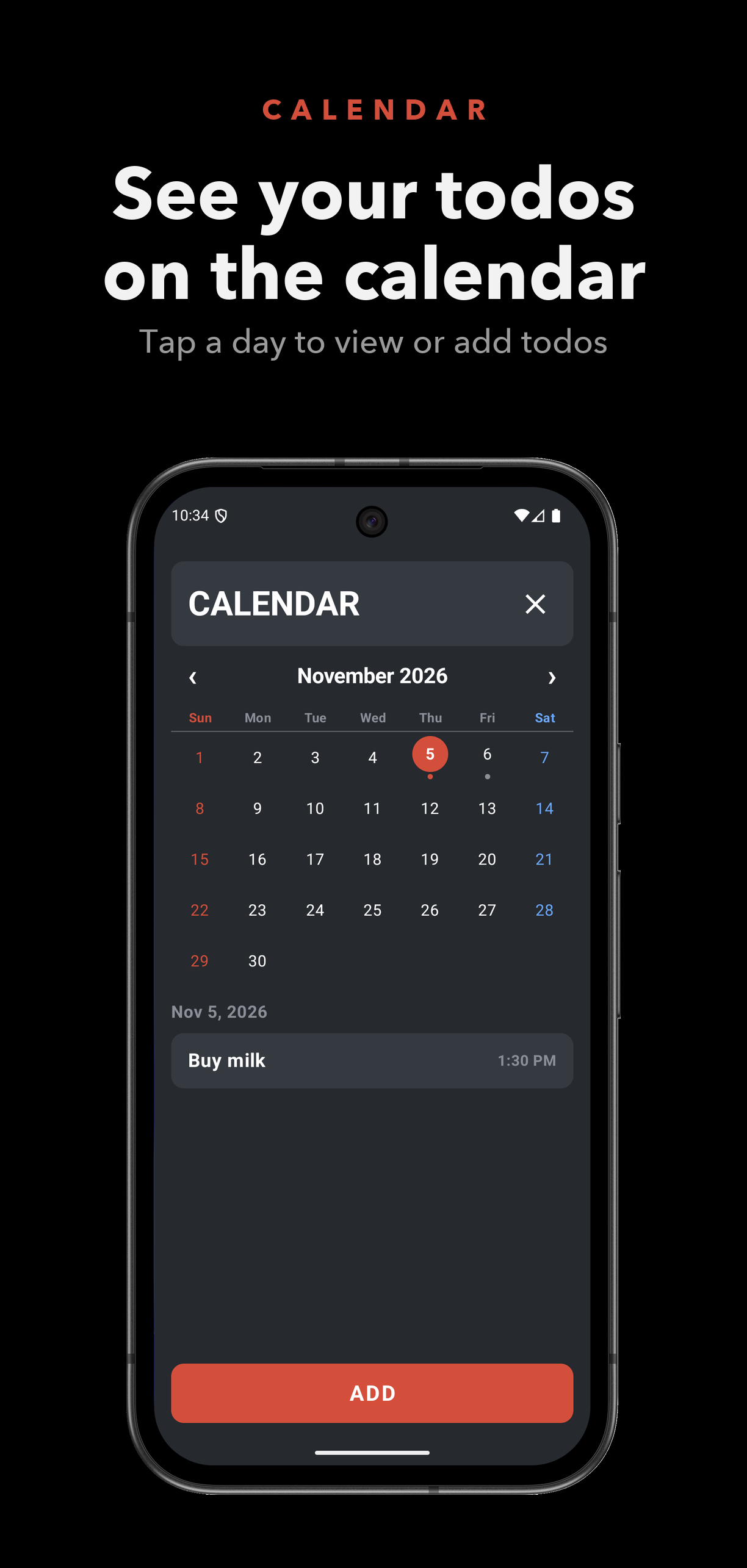
See every task by day on a month calendar. Tap a day to read its tasks, or add one for that date.
Month · Day · Add
Speak a task title instead of typing it. Tap the microphone while editing a task, and the app turns your speech into text. The title stays on your device, and the app does not keep recordings. Choose the speech language in Settings.
Needs the microphone permission and an internet connection. A few free uses are included; after that, a one-time purchase keeps voice input available.
Microphone · Speech to text · Language
02 — Details
Deleted a task by mistake? Tap undo in the snackbar to bring it back in its place.
Pick from red, pastel, and tone palettes in dark or light, and the status and navigation bars follow your choice.
The interface is available in 10 languages, with titles and buttons sized to fit each one.
03 — Screens